
 العربية
 Deutsch
 English
 Español
 Français
 हिन्दी
 Indonesia
 Italiano
 日本語
 한국어
 Nederlands
 Português
 Türkçe
 中文
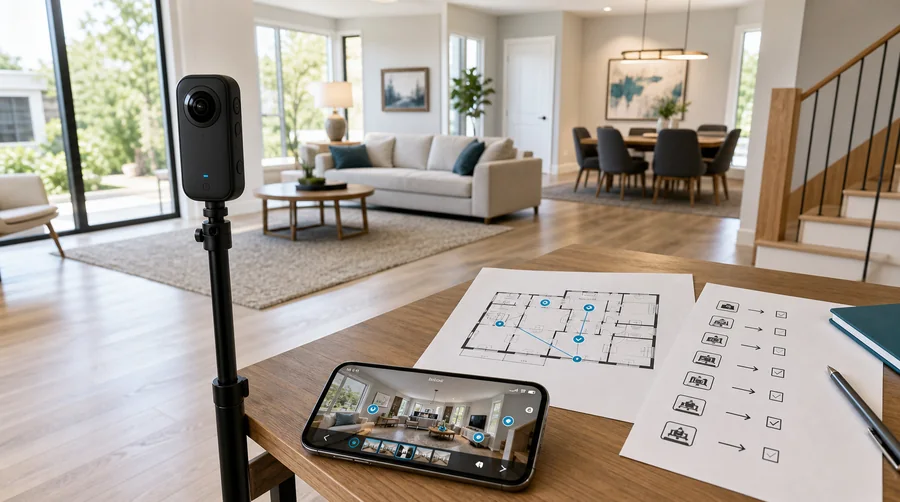 Get started
How to Create a Virtual Tour: Step-by-Step SVT Guide
Create a virtual tour from 360 panoramas: add rooms, connect markers, place POIs, review optional AI tools, test and share a link or website embed.
Read guideGuides33
Practical guides for creating, publishing and getting more from your virtual tours.
Get startedCreate a virtual tour from 360 panoramas: add rooms, connect markers, place POIs, review optional AI tools, test and share a link or website embed.
Read guide
A practical definition of virtual tours, with the main building blocks, delivery models, and the core steps used to create and publish one.
Read guide
Capture, stitch, and export a true 360-degree photo with a practical workflow for beginners, plus checks for seams, horizon, and privacy.
Read guideCreate a virtual tour from 360 panoramas: add rooms, connect markers, place POIs, review optional AI tools, test and share a link or website embed.
Read guide
Embed an SVT tour with generated code or a responsive iframe. Follow WordPress steps, size the viewer, test mobile and diagnose framing or access problems.
Read guide
Choose an SVT export mode, inspect the archive, test deployment and document client handover, with clear distinctions from editor access and backups.
Read guide
Compare the best virtual tour software for real estate, photographers, and agencies. Review features, pricing models, white-label options, and workflows.
Read guide
Compare virtual tour software pricing, current SVT plans and plugin prices, tax, hosting, support and illustrative one-year and three-year budgets.
Read guide
Compare Cloud accounts, Self-Hosted editors and exported tours: hosting, maintenance, licenses, costs, cancellation, backups and client access.
Read guide
Host your own virtual tours with verified SVT requirements, installation steps, upload troubleshooting, plugin checks, backups and update guidance.
Read guide
Compare tour and editor branding, custom domains, Core and SaaS accounts, prices, licenses and a practical agency setup for white-label tours.
Read guide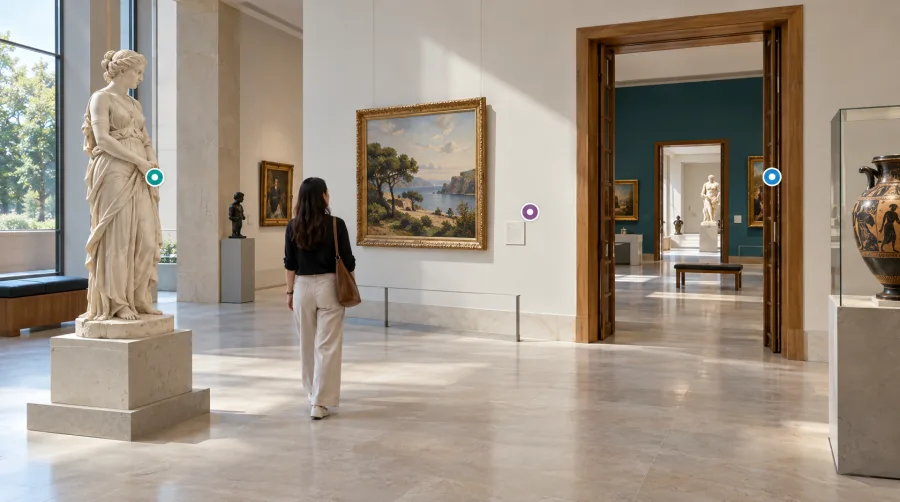
Learn the main hotspot types in Simple Virtual Tour, how they connect rooms, add information, and support floor plans and lead capture.
Read guide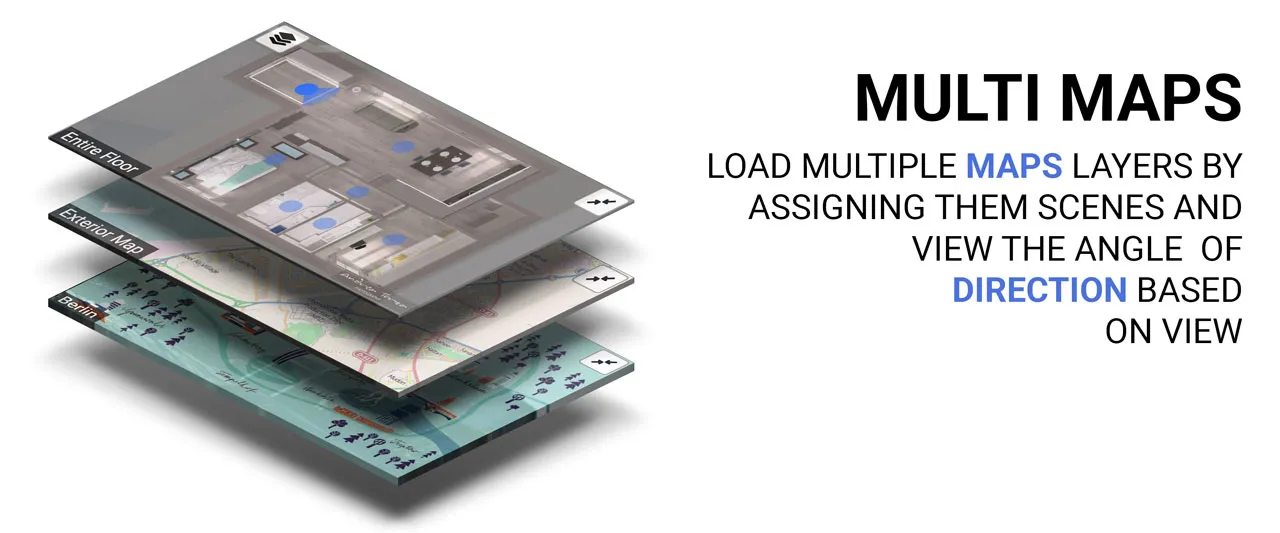
Add a supplied floor plan, position room points and align viewing directions in SVT. Understand indoor plans, geographic maps and visitor navigation.
Read guide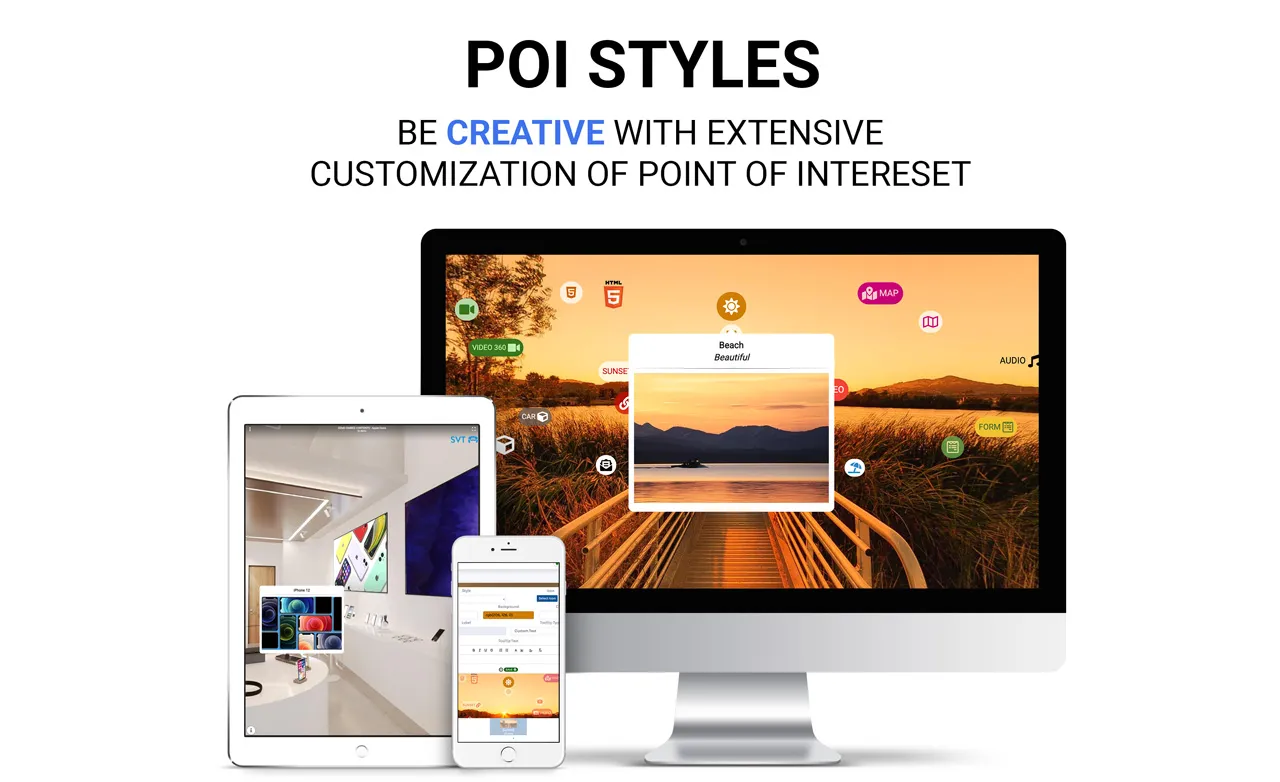
Configure SVT main and POI forms, distinguish optional contact actions from lead-gated access, and verify submission storage and email notifications.
Read guide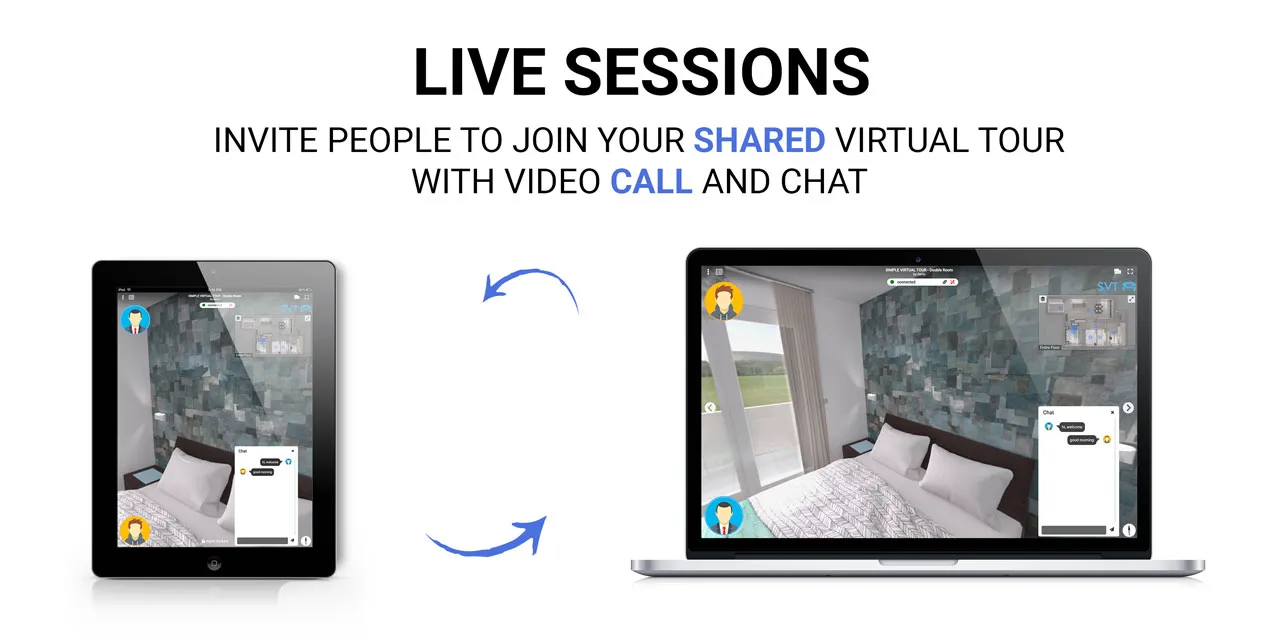
Plan a guided SVT session, distinguish synchronized exploration from a meeting, check account access and rehearse the host and participant experience.
Read guide
How to localize tour language, room labels, media, forms, and publishing flow without assuming automatic translation or unrestricted access.
Read guide
Use tour protection to control visitor access, pair it with publish and embed settings, and choose room-level protection only when a specific area needs separate access.
Read guide
How SVT quiz POIs support learning paths, attempts, scores, and reviewable answers, plus what they do not replace in an LMS workflow.
Read guideExplore Simple Virtual Tour AI Tools: edit 360° panoramas, connect rooms automatically, and generate images, video clips and music for your tour projects.
Read guidePublish connected 360° photos to Google Street View with Simple Virtual Tour. Position rooms, set north, connect scenes and check publishing status.
Read guideBuild your own virtual tour platform with the Simple Virtual Tour SaaS Plugin: customer accounts, subscription plans, usage limits, credits and payments.
Read guide
Compare SVT features and dated prices for real estate: rooms, floor plans, inquiries, branding, Cloud and Self-Hosted, plus optional AI and SaaS workflows.
Read guide
Build a real estate tour in SVT: prepare 360 panoramas, create rooms, connect markers, add a floor plan and contact actions, review AI edits, test and share.
Read guide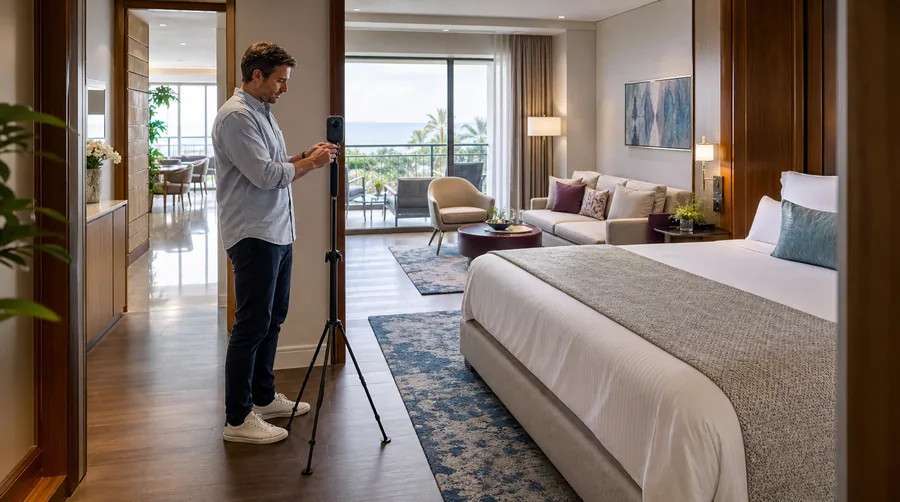
Choose an SVT hotel tour workflow: show rooms and amenities accurately, add booking links, compare dated Cloud and Self-Hosted prices, and plan delivery.
Read guide
Plan and create a hotel tour in SVT: capture approved rooms, connect panoramas, add amenity and booking information, test access, and deliver an embed.
Read guide
Evaluate SVT for photography services: capture, build, brand, export and deliver tours, with dated prices and clear Core, Cloud and SaaS responsibilities.
Read guide
Build a clear virtual tour offer: define capture, editing, hosting and updates, demonstrate the workflow and agree approval, delivery and maintenance.
Read guide
Use a cost-plus quote formula, not a blanket market rate. See how time, travel, editing, software, support, margin, and tax shape a fair tour price.
Read guide
Use virtual tours for campus orientation and guided training with rooms, floor plans, quizzes, forms, and privacy controls—without treating them as a full LMS.
Read guide
How hospitality teams use virtual tours for orientation, room selection, venue handoffs, and guest information, based on documentation review.
Read guide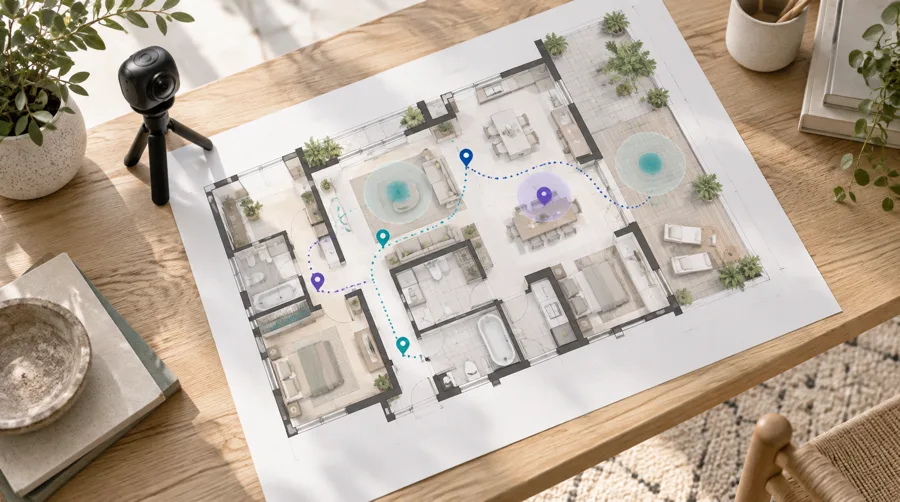
A careful guide to SVT analytics metrics, what they do and do not show, and how to validate inquiry and view tracking with a clean measurement plan.
Read guide
Use a tour entry page, hotspots, forms, and delivery checks to collect leads without overstating results or compliance.
Read guide
Use a simple contribution-based formula, track attributable bookings carefully, and include all tour costs before you decide whether a virtual tour paid off.
Read guide
Use crawlable pages, clear HTML context, correct canonicals, and measured analytics to help virtual tour pages qualify for search visibility.
Read guideNo guides match your search.
Find SVT guides by task: create a tour, choose software, host and embed projects, use interactive tools, deliver client work and measure results.
Simple Virtual Tour