
 العربية
 Deutsch
 English
 Español
 Français
 हिन्दी
 Indonesia
 Italiano
 日本語
 한국어
 Nederlands
 Português
 Türkçe
 中文
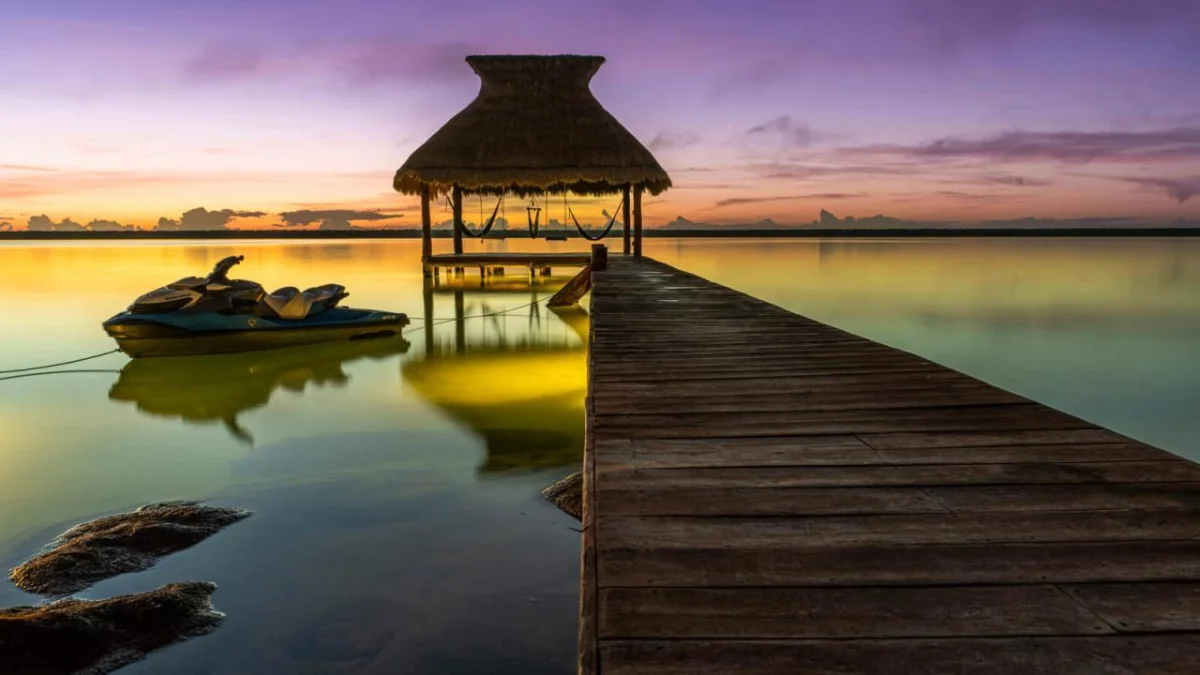
The SVT Resort demo shows two complementary ways to explore a property: follow visible connections to understand the route, or choose a room from the menu. An aerial overview supplies context before visitors move to ground-level scenes.
Scope: This is a Simple Virtual Tour product demonstration, not a customer performance case study. On 12 November 2026, a desktop Chrome check loaded the aerial scene, opened the room menu and navigated to Main Dock. Physical phones, immersive VR, form delivery and bookings were not tested.
Start above the property
Open the official Resort demo. The opening aerial view shows villas, docks and shared spaces together. It gives the visitor an answer to a spatial question: where is each accommodation in relation to the water and the rest of the property?
Callouts identify Villa Lagoon and Villa Sunrise. The interface includes example accommodation information and rates. Treat these as demonstration content. For an actual hotel, confirm every description and keep live prices and availability at the appropriate booking destination.
Move from the overview to Main Dock
The desktop check opened the room menu and selected Main Dock. The viewer changed to the water-level scene, with Main Dock shown in the header and selected in the menu. This is a concrete navigation check, not a loading-speed benchmark.
That route demonstrates why an overview and a visitor-level panorama serve different purposes. The overview explains the layout; the closer scene lets the visitor inspect a destination. In your own project, put movement markers at visible transitions and verify the arrival view and route back.
Use room groups for a different question
The room menu includes Sunrise Suite and Lagoon Suite groups, alongside shared locations such as Main Dock, the water palapa and terraces. A guest who knows an accommodation name can use the menu rather than retracing every scene.
The previously documented room structure includes bedroom, balcony and bathroom scenes within the suite groups, with a loft in the Sunrise group. For your own hotel, use consistent accommodation names in the tour and on the hotel website, and clearly identify whether images represent an exact room or a category.
Translate the example into a production workflow
- Choose an opening scene that explains the space and an intentional visitor starting direction.
- Create clearly named rooms and connect the routes visitors actually need.
- Add selected details where they help a decision; keep navigation distinct from information points.
- Use a supplied plan or map only when it improves orientation, and test each room point.
- Check booking or contact actions, access settings and the saved website embed before delivery.
Use the hotel creation guide for editor steps, floor plans and maps for orientation, and contact forms for inquiries. These are documented product workflows, not claims that every control was tested in this demo check.
What this example does not establish
A functioning route does not establish a particular conversion rate, guest preference, mobile loading time or booking result. The demo’s counters and example accommodation details are interface content. To evaluate your own project, define its intended outcome and validate it with your own data.
Compare hotel software and dated prices, follow the embedding guide and review measurement separately from the visual demonstration.